
MakeBeat

AI Beat Maker

Make a beat free online. Program the drums or describe the groove, then let AI turn your pattern into a full beat.

  • No sign up
  • MIDI + WAV
  • Stems
Loop

Pattern

Editing
1
2
3
4
5
6
7
8
9
10
11
12
13
14
15
16

Click a step to add a hit, drag to paint, Shift-click for a ghost note. Click a row name to change its sound.

SoundsKick
Now editing
New beat

Making, sharing and downloading need no account. Sign in to save beats to My beats.

AI turns your style and tempo into a full beat with 808, chords and melody. 2 takes.
01 · Starter grooves

Start the beat maker from a groove, make it yours

Tap a card to load it into the machine.

02 · How to use it

How to make a beat, step by step

  1. 01

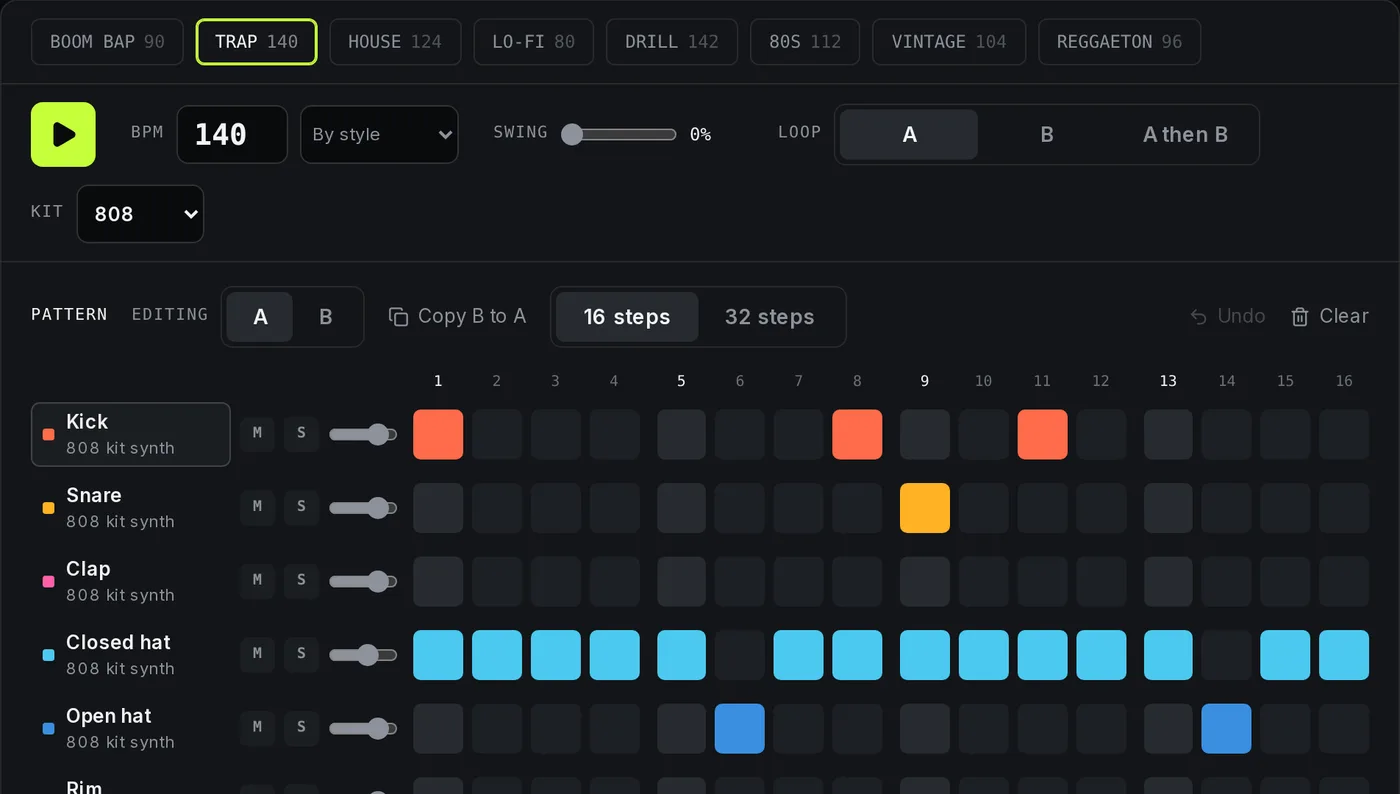
    Pick a style, or describe one

    Tap a style such as Trap, Boom bap, House or Lo-fi and a full groove loads with its tempo and kit; every style also has its own page under types of beats. Signed in, you can also type a vibe like "dusty 88 BPM boom bap with ghost snares" and AI writes the pattern onto the grid.

    • Eight starter styles
    • AI pattern and AI B variation use credits
    • Everything AI writes stays editable
    Style buttons on the MakeBeat drum machine with Trap selected
  2. 02

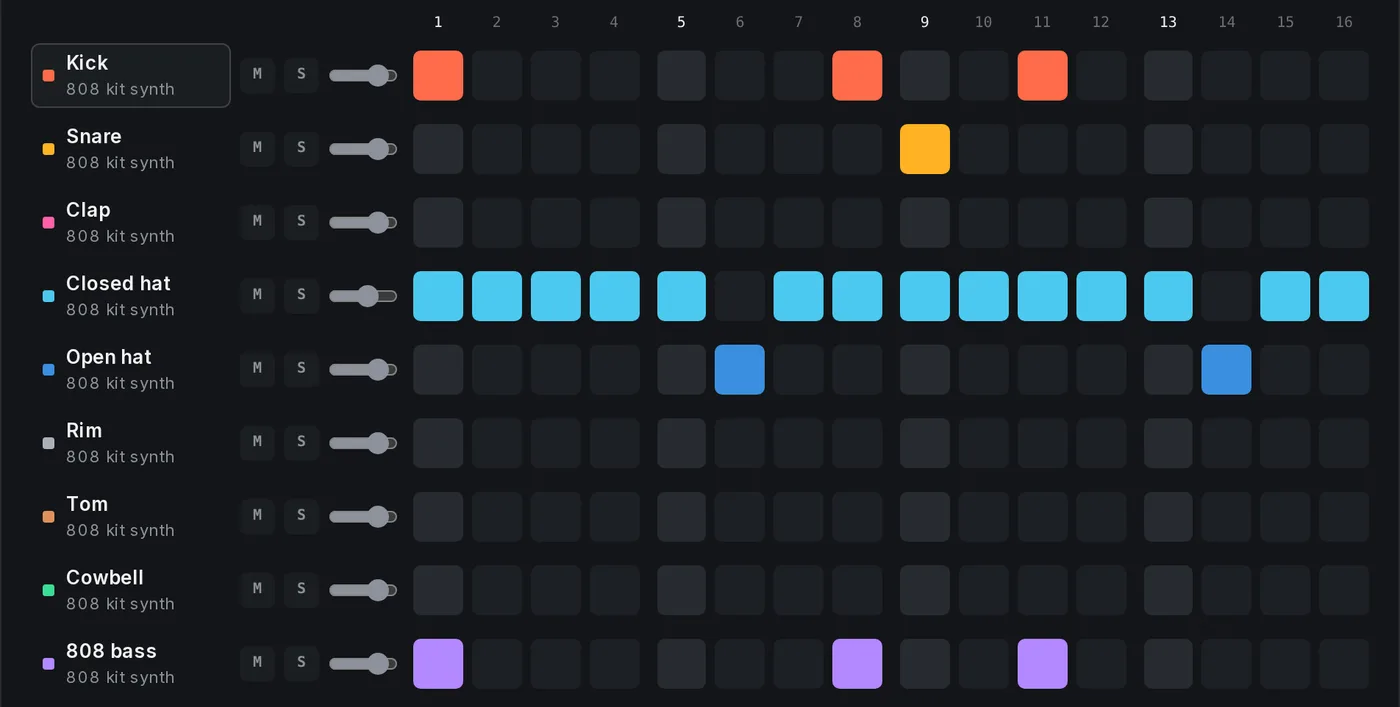
    Program the grid

    Each row is an instrument and each square is a 16th note. Click to add a hit, drag to paint several, Shift and click for a softer ghost note, and write a second pattern on B for a two bar phrase. The drum programming guide shows where kicks, snares and hats usually land.

    • 16 or 32 steps
    • Undo with Ctrl or Cmd + Z
    • Space plays and stops
    Step sequencer grid with colored hits for kick, snare, hats and 808
  3. 03

    Shape the sound

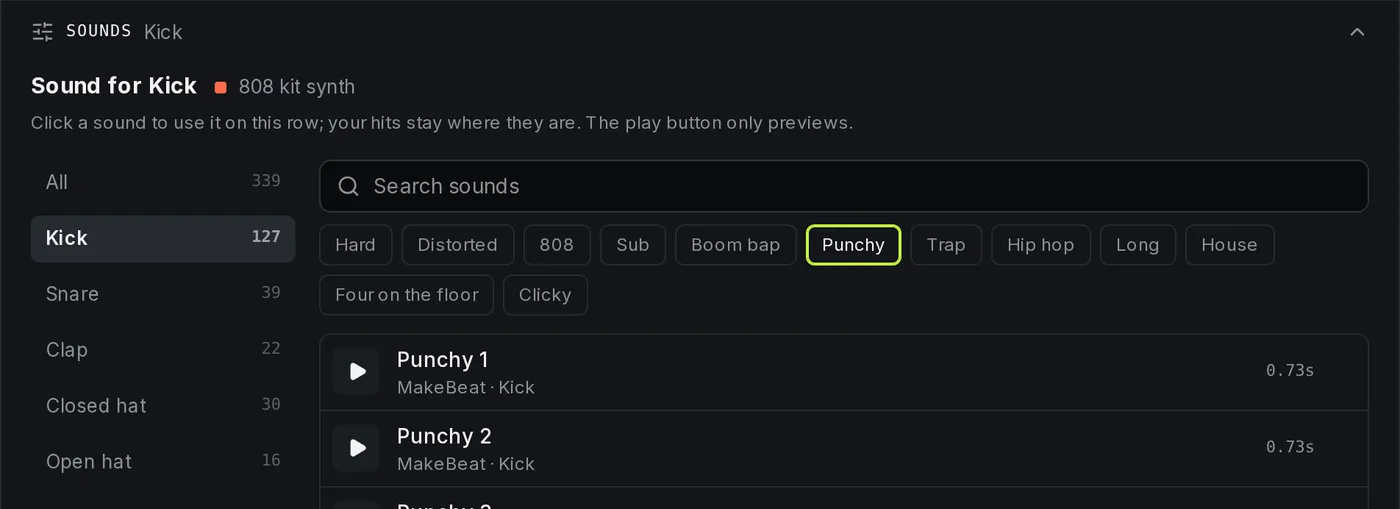
    Switch between four kits, or open Sounds and give any row its own one shot from more than 330 drum sounds, or go deep on low end in the 808 drum machine. Filter by type and character, such as Punchy, Sub or Lo-fi, and preview before you pick. Set the BPM anywhere from 60 to 240, add swing, and balance rows with volume, mute and solo.

    • More than 100 kicks
    • Swing up to a lazy shuffle
    • Mute and solo per row
    Sound picker listing kick drum samples to preview and assign
  4. 04

    Make it a full beat

    Press Make it a full beat and AI builds an instrumental in your style and tempo, with 808 bass, chords and a melody. You get two takes and play them right under the machine. To start from words instead of a pattern, open the AI beat generator.

    • Two takes per request
    • Needs an account and credits
    • Instrumental, no vocals
    Export buttons and the Make it a full beat button under the grid
  5. 05

    Export, share or save

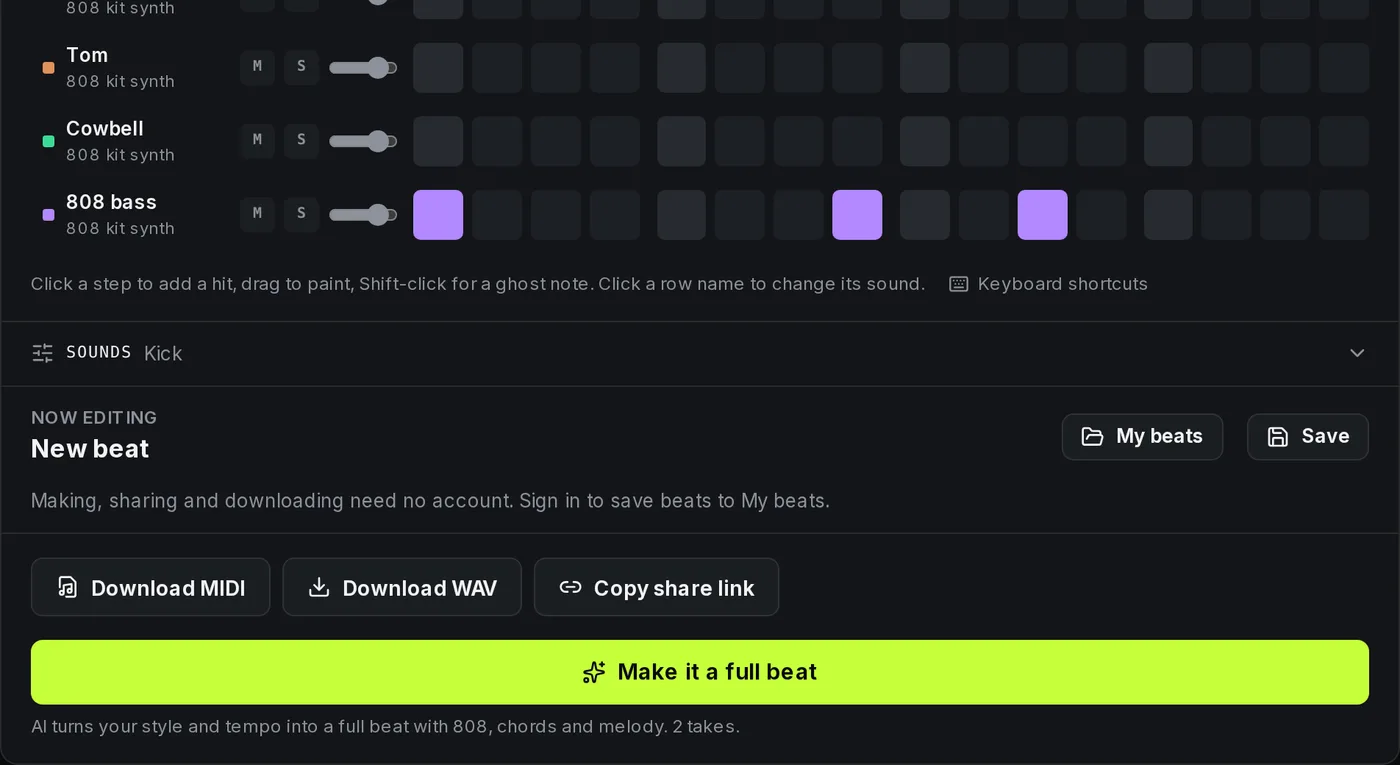
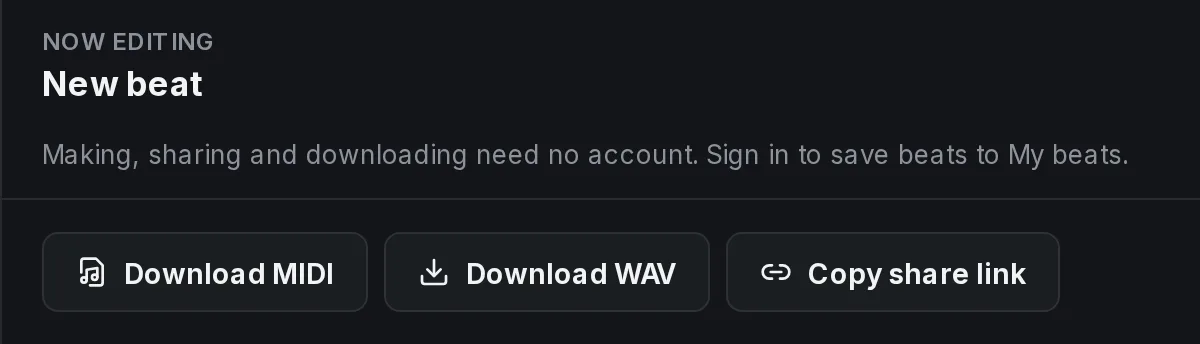
    Download the pattern as a General MIDI file for your DAW or render it as a WAV, free and with no account. Copy a link that holds the whole beat, or sign in to keep it in My beats.

    • MIDI and WAV are free
    • Share links need no account
    • My beats needs sign in
    Download MIDI, Download WAV and share link buttons
04 · Who it is for

A beat maker for anyone who starts with a beat

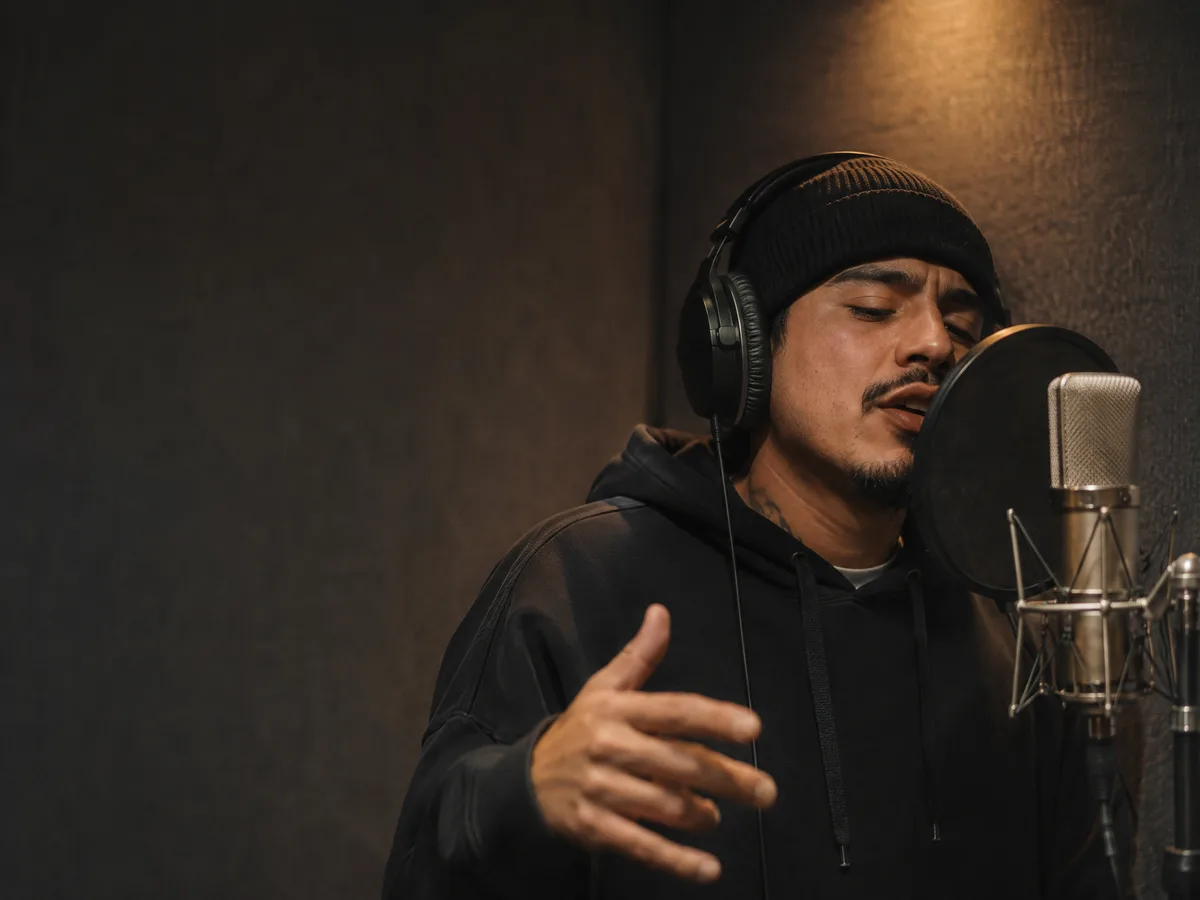
Rapper recording vocals over a beat in a small vocal booth
  • Rappers and singers

    Need something to write to tonight? Open the rap beat maker, make it a full beat and record over it. Paid plans include commercial use.

  • Producers

    Sketch a drum idea in seconds, then drag the MIDI into FL Studio, Ableton or Logic and keep building.

  • Learners and teachers

    See how a trap hat roll or a boom bap swing is built, one square at a time, and hear the change right away. Basic drum beats make a good first lesson.

  • Video and podcast creators

    Make an original loop or a full instrumental for your video instead of digging through stock music.

05 · Guide

The AI beat maker, explained

What is an AI beat maker?

An AI beat maker turns a short text description into a finished instrumental: drums, bass, chords and melody, arranged and mixed. You describe the genre, tempo and mood, and the model plays it back as audio you can download, split and remix.

How do I make a beat with AI?

Describe what you want to hear, for example "dark trap beat, 140 BPM, hard 808s, rolling hi-hats", and AI writes the drum pattern on the grid. Edit it, then press Make it a full beat. MakeBeat returns two takes, so you can keep the stronger one and generate again if neither fits. For the whole workflow, from drums to arrangement, read how to make beats.

AI beat or drum machine?

Use the AI beat when you want a full track with melody and bass in one go. Use the drum machine when you want exact control over every kick and hi-hat. Many producers do both: program a drum loop, then build the rest around it. If you are still choosing an app, see free beat makers compared.

Can I use the beats in my songs?

Beats made on a paid plan include commercial use, so you can rap or sing over them and release the song. Free accounts can listen and share online.

06 · FAQ

Questions

Is MakeBeat free?

The drum machine is free with no account. New accounts also get free credits for AI beats, and each beat comes back as two takes. Paid plans add more credits, downloads and commercial use.

How do I add a ghost note or a softer hit?

Hold Shift and click a square. Ghost notes play quieter, which is how most snare rolls and swung hats get their bounce.

Can I change the drum sounds?

Yes. Pick one of four kits, or open Sounds and choose a different one shot for any row. Every sound is a MakeBeat original or public domain or CC0, so you can use it in your releases.

Do I need to download anything?

No. MakeBeat runs online in your browser on desktop and phone.

Which AI models make the beats?

MakeBeat V6 is the default model. Google Lyria is also available, so you can hear how two models handle the same prompt.

Can I make a beat without vocals?

Yes. AI beats are instrumental by default, with no vocals, ready for you to write and record over.

Can I get the stems or the MIDI?

Yes. Split any beat into stems such as drums, bass and melody, and turn a stem into MIDI or sheet music. The drum machine exports MIDI directly.

Can I sell songs made with these beats?

Yes, when the beat was made on a paid plan. Each beat then comes with a commercial license PDF.

Your next beat starts on the grid.

Make a beat